A Simple Image Backup and Optimization Workflow
ImageRW Guide · Practical image workflow
Optimization becomes much easier to manage when source files and derivatives have clear roles.
Quick takeaways
- Keep a master source separate from optimized derivatives.
- Create versions for actual destinations instead of one file for everything.
- Use predictable names and back up before bulk processing.
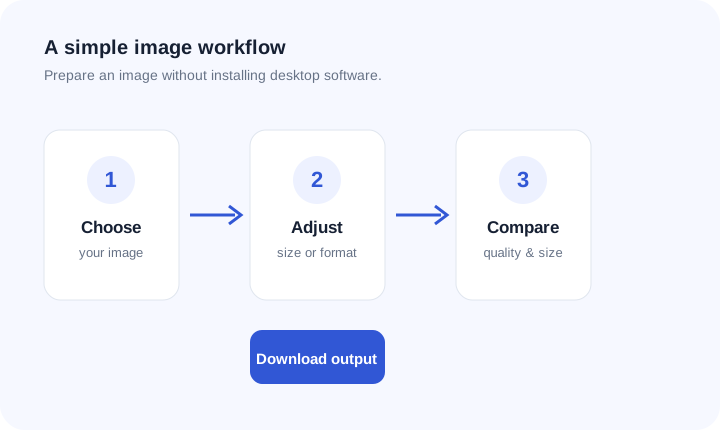
Original ImageRW diagram: A Simple Image Backup and Optimization Workflow.
Keep a master source
Store the best available original separately from web derivatives. The master can be used to create future sizes and formats.
Use predictable names
Names should make it clear what an asset represents and, when useful, which derivative it is. Avoid ambiguous filenames that become impossible to manage later.
Create derivatives for actual destinations
A product card, article hero and email attachment may need different dimensions or formats. Do not force one file to serve every context.
Avoid repeated lossy edits
Whenever possible, generate new derivatives from the master source rather than repeatedly saving a compressed copy.
Record your workflow
For recurring catalogs, document common dimensions, formats and quality ranges. This makes optimization more consistent across a team.
Back up before bulk changes
Before processing a large library, make sure the originals are safely backed up and that you can restore them independently of the web copies.
Example folder structure
A simple structure can keep source files separate from derivatives:
project-images/
  originals/
  web/
  social/
  email/
The exact names are up to you. The useful principle is to keep the original assets distinct from optimized copies so later edits do not overwrite the source.
Frequently asked questions
Should optimized files replace originals?
Usually keep the original separately.
How should I name image derivatives?
Use a predictable naming convention that identifies the subject and, when useful, the variant.
Why keep originals if the optimized image looks fine?
Future layouts, crops or formats may require information that the optimized copy no longer contains.
Image content varies. Test representative files, keep the original and judge the output in the context where people will actually see it.